lemmyvore

@lemmyvore@feddit.nl · Joined ⁨Jun⁩ ⁨2023⁩

Replying to @⁨steel_for_humans@piefed.social⁩

If you already know Debian that’s a big point in its favor. Nothing beats a distro you’re familiar with. (And I’d make the same argument if you were used to Ubuntu.)

I’ve used both Debian and Ubuntu Server on my home servers and I ended up returning to Debian.

  • Debian embodies and follows the most essential Linux values. It’s open, it’s run by an open organization, it avoids proprietary stuff.
  • Debian is long-lived. It’s been around for 30 years, it’s mature, self-sustaining, community-run project, and it will be around 30 years from now. Whereas I wouldn’t bet on Canonical being around in 30 years.
  • The upgrade path for Debian is better than for Ubuntu Server LTS.(1) You can upgrade it in-place between major versions a lot more reliably and painlessly than Ubuntu.
  • Debian is dedicated to being stable. (Please run stable, btw.)
  • Debian is a lot more resource-friendly than Ubuntu Server.

I’ve ended up concluding that Ubuntu Server is Debian, just with more quirks. It offers nothing essential that you can’t do on Debian, and it will just complicate your life when the LTS support period eventually runs out (and even during LTS, when you have to jump through hoops like Ubuntu One to keep updates coming.)

(1) You can fuck up both Ubuntu and Debian’s upgrades by adding a lot of 3rd-party repos because apt doesn’t safeguard against external repos interfering with the core repos’ dependency graph.

So the trick is to keep the OS minimal, install only Docker from its repo and install anything else in Docker containers. That way you benefit the most from Debian being stable and very little from Ubuntu Server.

If you also need to run system containers and virtual machines you can add Incus later to the mix alongside Docker and still keep your host OS lean and simple.

You can also consider completely migrating to Proxmox later, which is also Debian under the hood but it’s a more turnkey solution. I wouldn’t recommend jumping straight into Proxmox unless you’re fairly sure that you’d need to run VMs. (If you’re unsure stick to plain Debian for now.)


Docker DocumentationInstall Docker Engine on DebianLearn how to install Docker Engine on Debian. These instructions cover the different installation methods, how to uninstall, and next steps.

Replying to @⁨KairuByte@lemmy.dbzer0.com⁩

I would recommend reconsidering how you obtain LE certs. I ended up on Certbot too because it lets you own what is a critical part of your selfhosted identity. Plus Certbot works well and it’s maintained by the EFF who also see it as a critical project. As a local script (basically) sky’s the limit regarding automation.

This is personal preference but I strongly prefer to locally control critical automations about my setup (certs, DDNS etc.)

The certs produced by Certbot are portable and you can use them with CF, local reverse proxies, or whatever other infrastructure you may need. Just need to get a copy to the proper place (securely).

I guess in the bigger scheme of things the question is whether you’re ok being tied to a particular service (like CF). I don’t, and I also don’t want to depend on the LE implementation of any particular reverse proxy (or their plugins).

PS: Oh and another tip: if you do end up using a CLI tool for certs, stick to Certbot. I’ve tried pretty much everything else and they all suck. It’s actually unbelievable how much they suck. Arcane and opaque, the lot of them, which is not something you want from a critical tool.

Replying to @⁨xthexder@l.sw0.com⁩

That’s a good point… was just looking into how I’d go about backing up my post+comment history and the only answer is basically “you need to use a special tool that pretends to be a lemmy client and fetches your history item by item”. I guess “host your own instance and migrate to that” is another one.

Which is surprisingly silly for what was supposed to be a more open platform than others. Heck, I can submit a GDPR request to Reddit and get a full dump of my account within the hour.

Replying to @⁨statisticsforstrava@lemmy.world⁩

I’ve just started using GarminDB to fetch .fit and .json files from my Garmin account.

Can I simply tell Dreeve to watch the directory where GarminDB dumps the files and it will pick them up?

Does Dreeve do something with the Garmin .json files too? Sleep data for example is in those kind of files, but since Dreeve has a Strava background I suspect it only deals with sports activities?

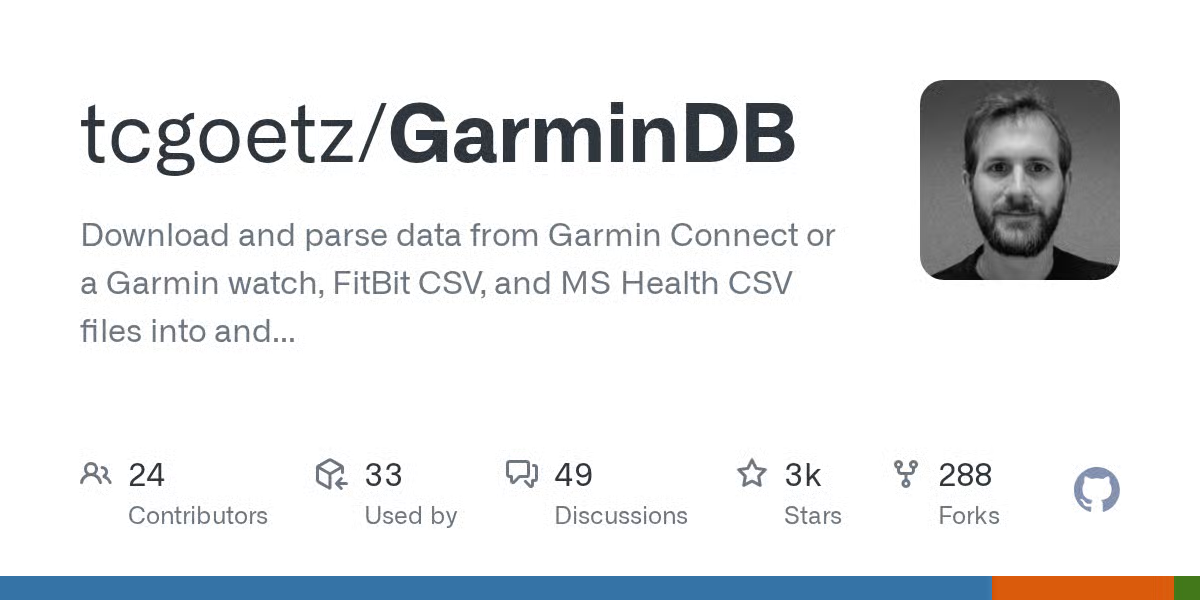
Download and parse data from Garmin Connect or a Garmin watch, FitBit CSV, and MS Health CSV files into and analyze data in Sqlite serverless databases with Jupyter notebooks. - tcgoetz/GarminDBGitHubGitHub - tcgoetz/GarminDB: Download and parse data from Garmin Connect or a Garmin watch, FitBit CSV, and MS Health CSV files into and analyze data in Sqlite serverless databases with Jupyter notebooks.Download and parse data from Garmin Connect or a Garmin watch, FitBit CSV, and MS Health CSV files into and analyze data in Sqlite serverless databases with Jupyter notebooks. - tcgoetz/GarminDB

Replying to @⁨Shimitar@downonthestreet.eu⁩

I’ve just stumbled across this post and it’s serendipitous because I just finished setting up GarminDB in a Docker container. It’s a Python CLI app you can use to download your Garmin stuff locally (which happens to be a bunch of FIT and JSON files).

You don’t have to use Docker ofc, you can also use a venv/pip to set it up somewhere and automate the backup command in any way you want.

It’s a happy coincidence because I was now wondering how to visualize the files. GarminDB also has some –import and –analyze options that parse the data into SQLite but they’re a bit buggy. Then you can use Jupyter notebook templates to produce something you can look at, but Dreeve might also be interesting (especially if it can monitor the folder where GarminDB dumps the files in read-only mode).

Download and parse data from Garmin Connect or a Garmin watch, FitBit CSV, and MS Health CSV files into and analyze data in Sqlite serverless databases with Jupyter notebooks. - tcgoetz/GarminDBGitHubGitHub - tcgoetz/GarminDB: Download and parse data from Garmin Connect or a Garmin watch, FitBit CSV, and MS Health CSV files into and analyze data in Sqlite serverless databases with Jupyter notebooks.Download and parse data from Garmin Connect or a Garmin watch, FitBit CSV, and MS Health CSV files into and analyze data in Sqlite serverless databases with Jupyter notebooks. - tcgoetz/GarminDB

Replying to @⁨tofu@lemmy.nocturnal.garden⁩

Last time I looked at Paperless-NGX it insisted on taking the source files and moving/renaming them so it could manage them itself. In fact IIRC the only way to add files was to give them to the app (or upload via web UI) so it could take them over.

Does it still do that?

I don’t like tools that demand to take over the original files. I’d prefer it if it could watch a read-only folder for new files. Immich for example or Jellyfin can do that.